LABEL DETAILSIllustrative review
Vitamin D3
- Label strength
- 50 mcg (2,000 IU)
- Package
- 60 softgels
Check the original label before saving.
 snapplement
See the app
AI supplement planner & reminder
Photograph your supplement labels. Get suggested intake times built around your day, approve your plan, and let Snapplement remind you when it’s time.


Check the original label before saving.
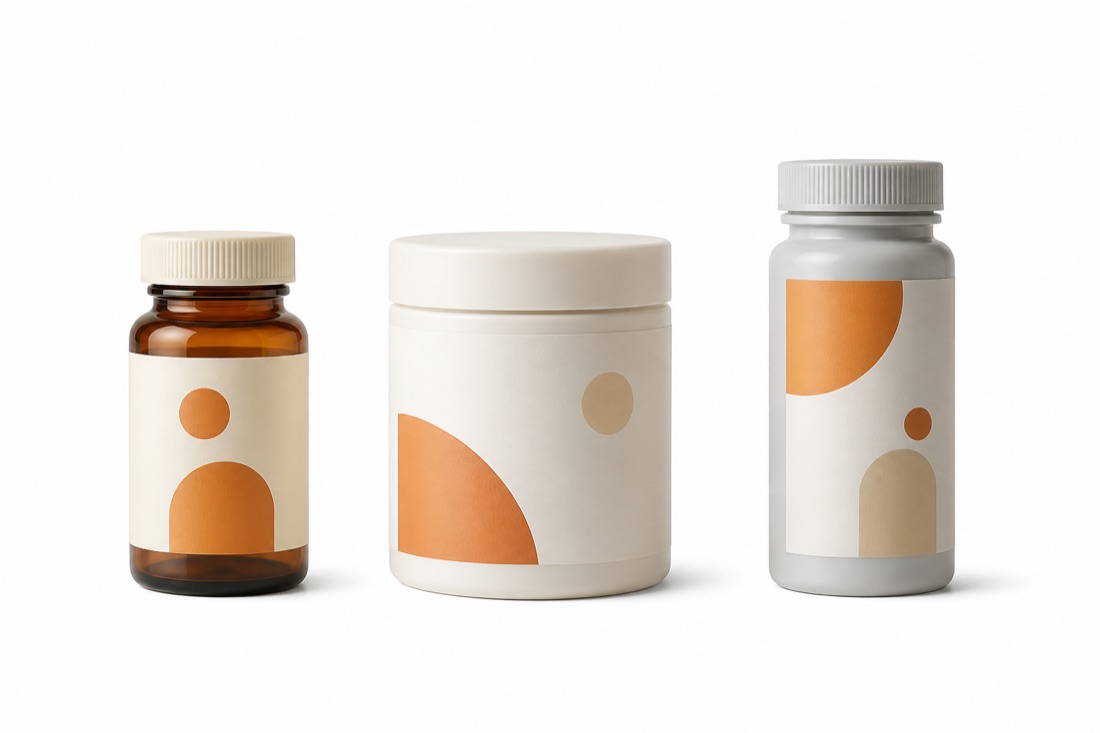
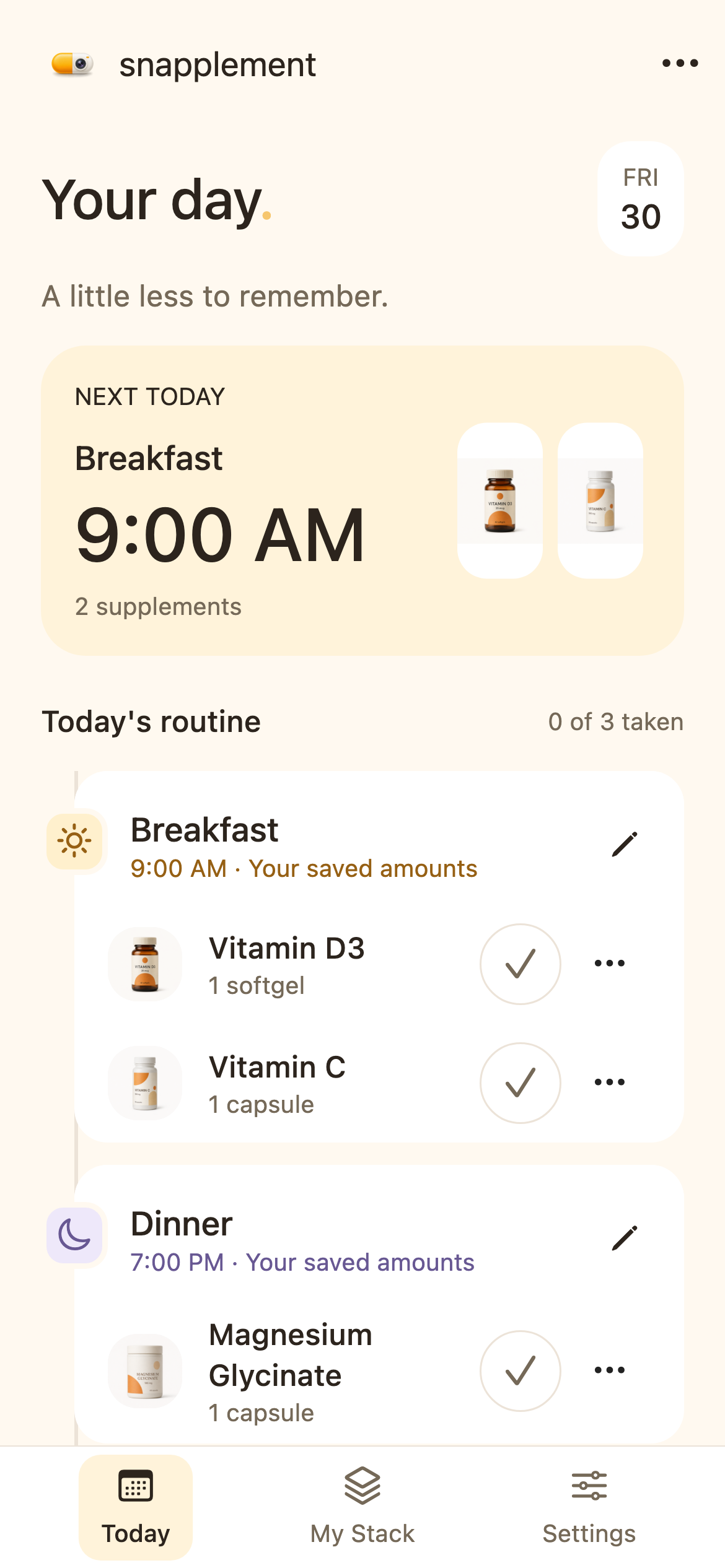
One place for your routine
Capture the bottle, ingredients and directions. AI helps turn the photos into your saved supplement details.
Get suggested intake times around your meals, sleep and label directions. Adjust them if needed, then approve your schedule.
Your phone reminds you when an intake is due. Marking it taken is there when you want it.
Current app screens · sample data
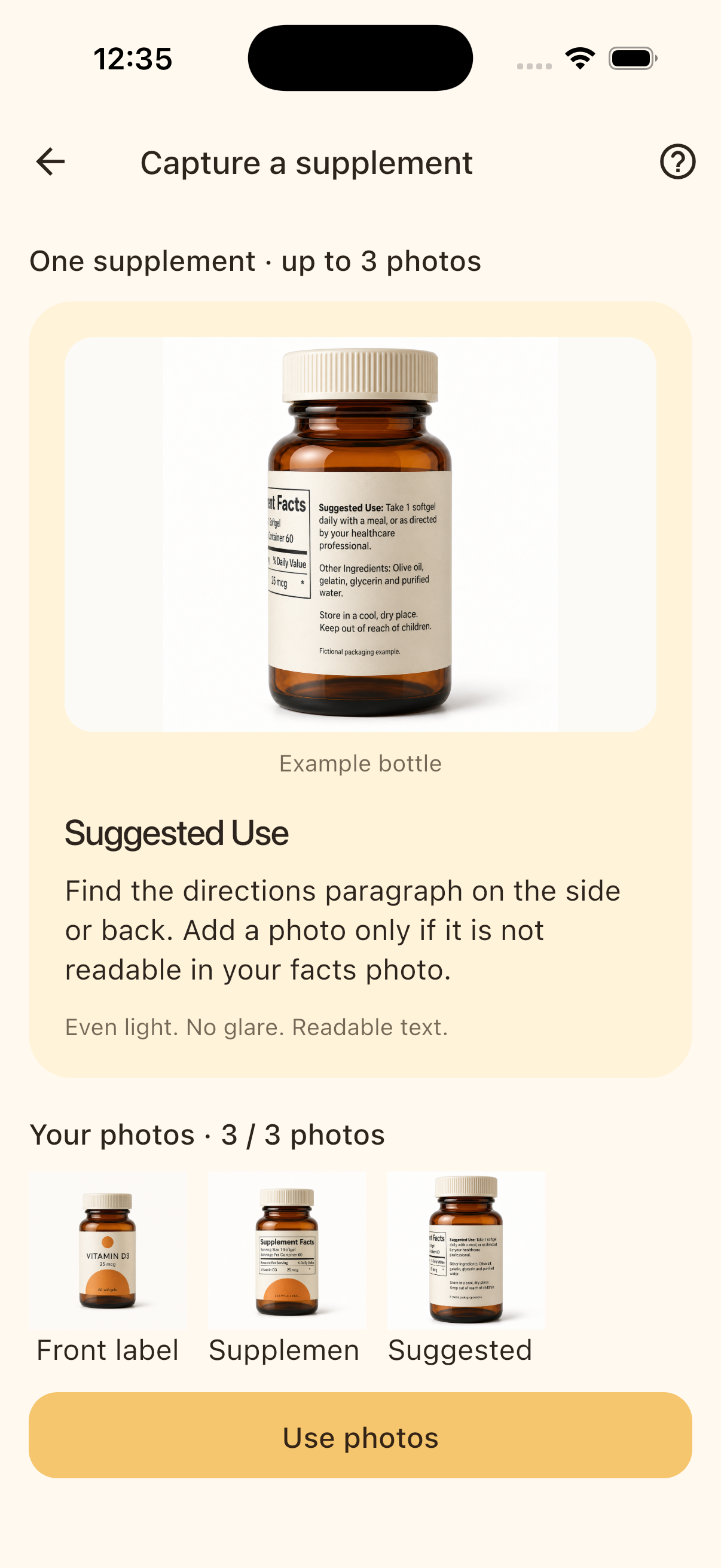
Start with the label.
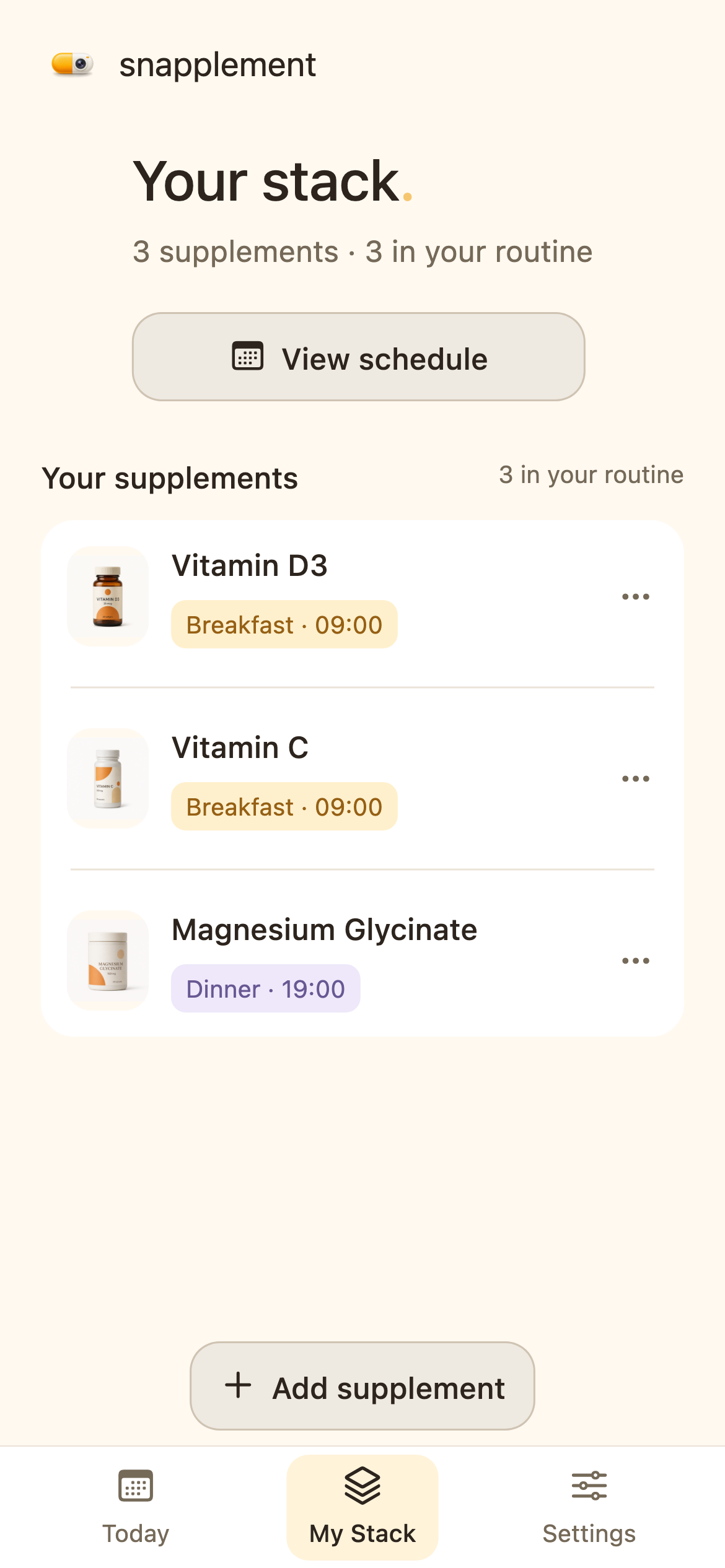
Keep the details together.
Know what’s next.
A clearer routine, in your pocket
Your labels, a schedule you approve, and reminders on your phone.
AI-assisted planning
Add your usual wake-up, meal and sleep times.
Check the suggested intake times, make adjustments, and apply your schedule.
Your phone reminds you when it is time. Tracking is optional.
The front label, the Supplement Facts panel and the directions for use. If facts and directions are visible in the same photo, you do not need a separate directions photo. You can also enter details manually.
Snapplement uses your saved directions, usual meals and sleep times, supported supplement rules and AI assistance for gaps. You approve the proposed schedule and can adjust it. It does not choose how much you take.
Approve your schedule and enable notifications to get reminders on your phone when it’s time. You can mark an intake taken, but tracking is optional.
Saved photos and your routine are stored locally. When you request recognition or a new plan, relevant information is sent to our backend and, where needed, Google Cloud AI services. Those requests need internet. See Privacy for details.
Snapplement suggests timing, not doses or medical advice. Check your labels and confirm health decisions with a qualified professional; a schedule does not establish combination safety. Bottle and routine examples are illustrative.